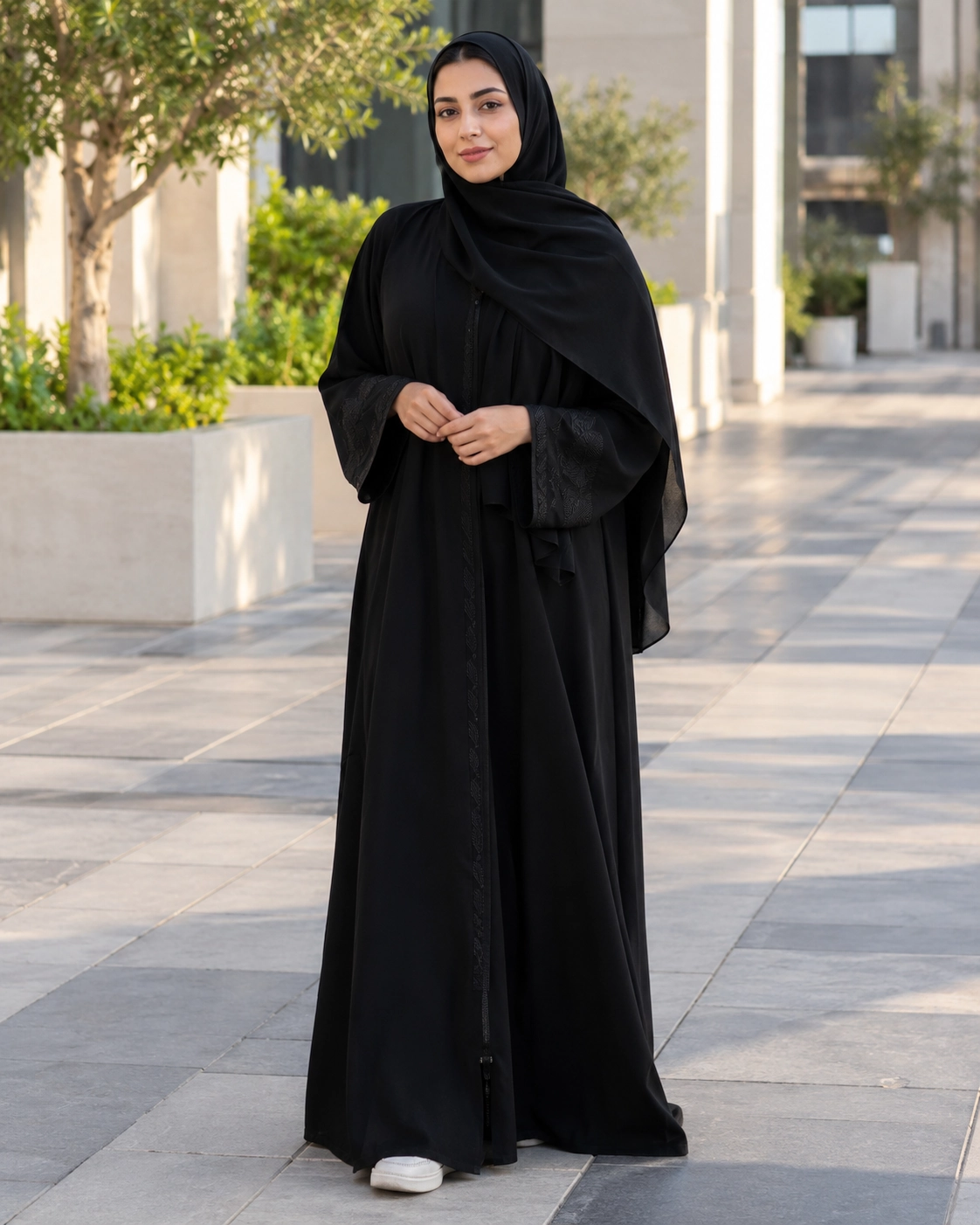
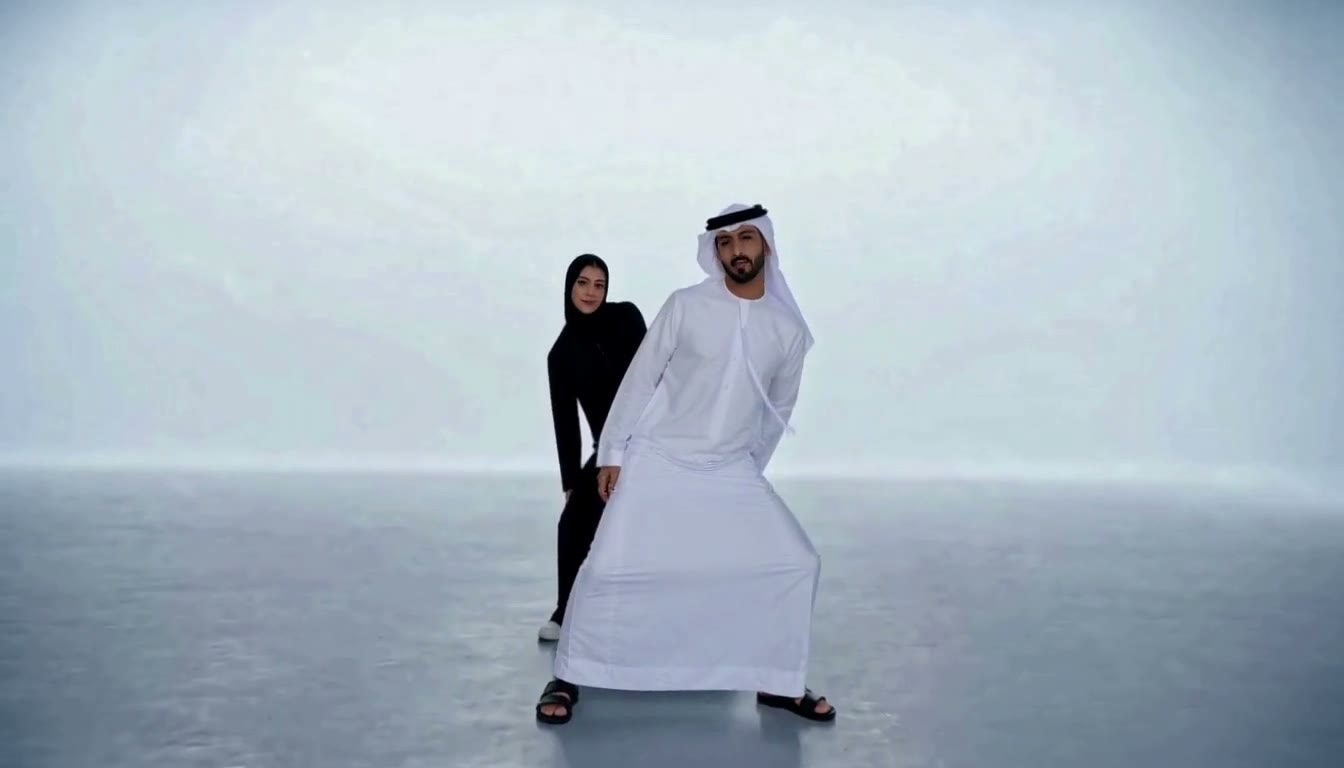
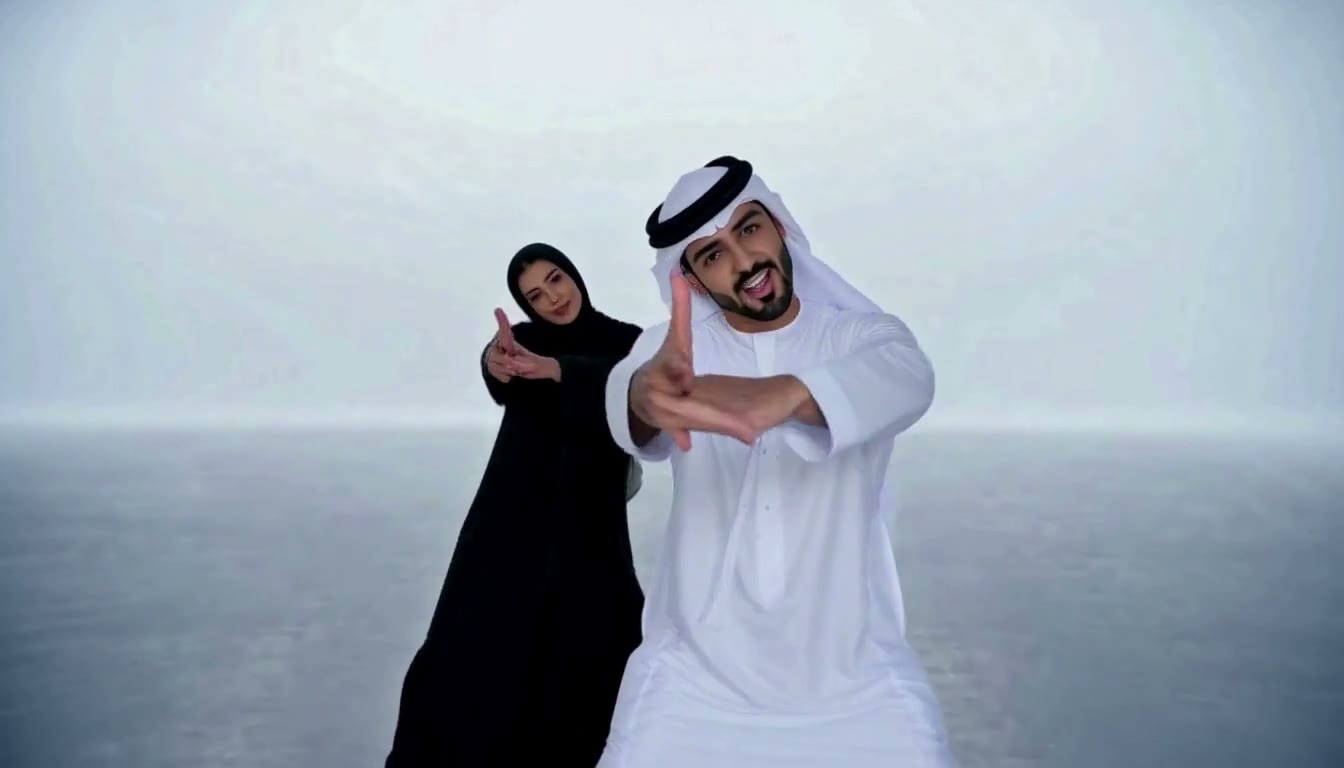
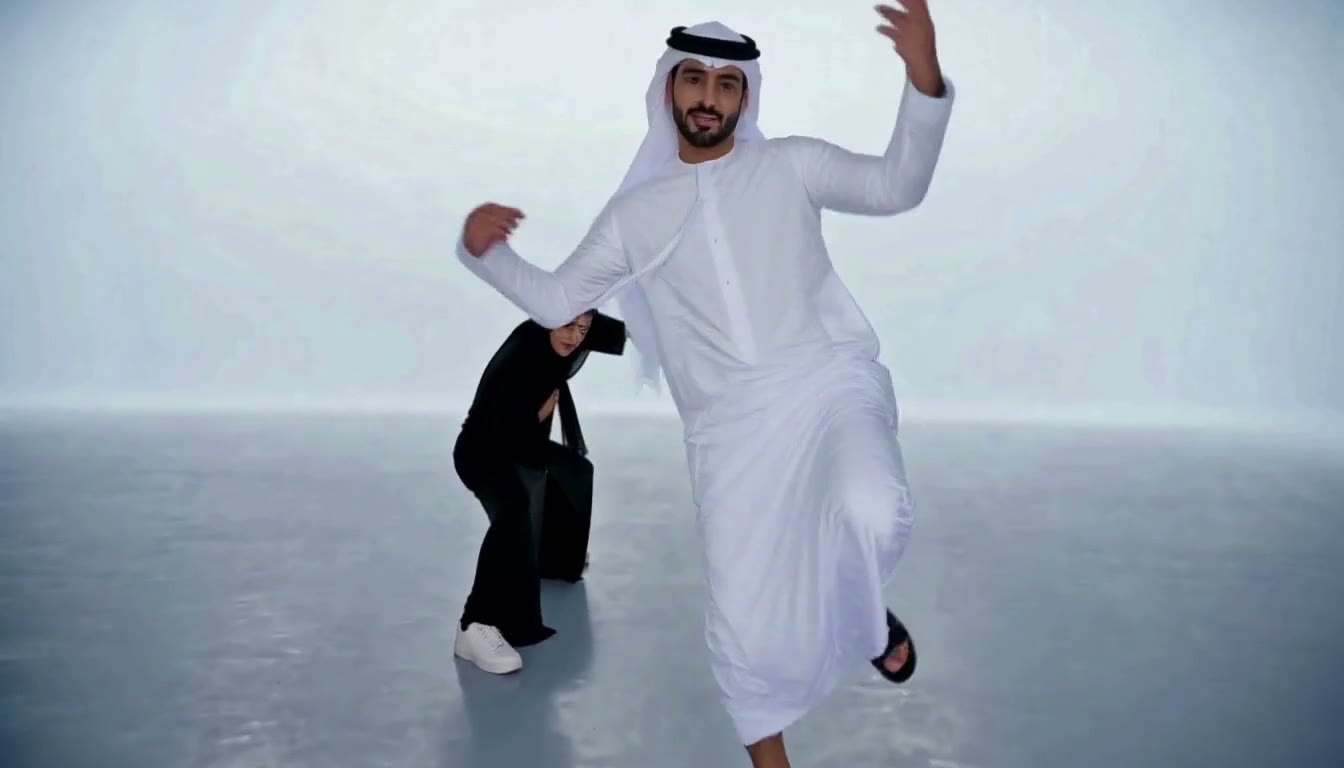
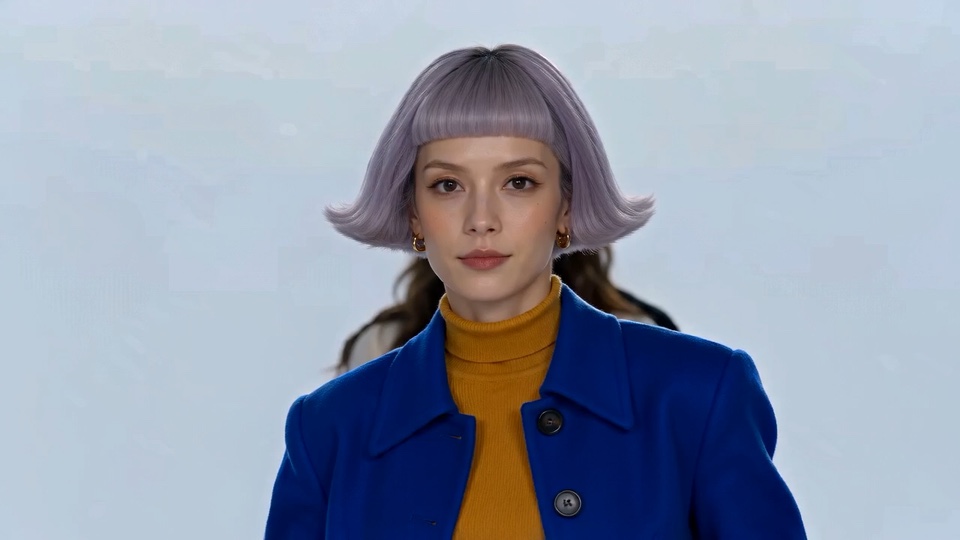
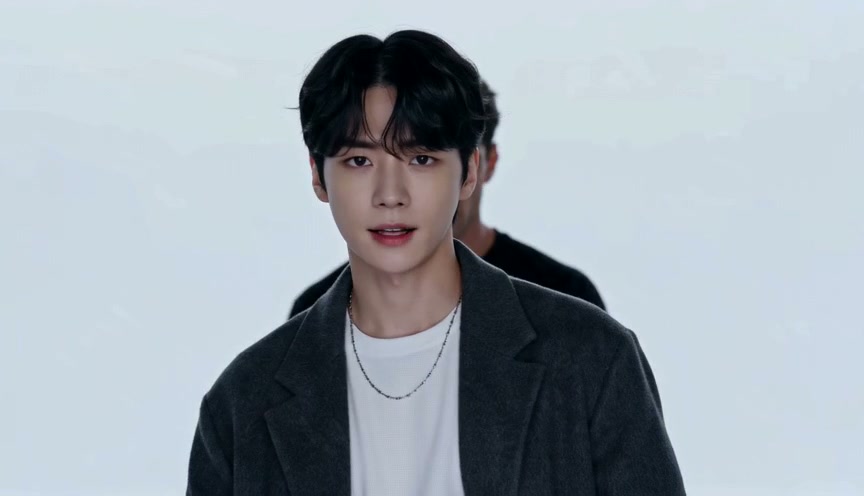
A crisp white-mist 16:9 studio, layered couple framing, and smooth synchronized duo steps.
Couple Neon Sync is part of the A2O LITE AI Neon Templates collection. Add two photos to turn its reference clip into your own 15-second synchronized duo video.
Photo 1Photo 2
16:9
Two photos. One dance duo.
Private uploads
REAL RESULT
A2O LITE AI Neon Templates in action
See how A2O LITE AI Neon Templates turn two separate photos into one 15-second synchronized duo dance video—preserving each subject's appearance, outfit details, and camera rhythm.
With A2O LITE AI Neon Templates, Photo 1 and Photo 2 are mapped to two separate performers rather than blended together. From the opening frame, each subject retains distinct facial features, hairstyle, and outfit colors while stepping onto the same illuminated studio stage.
Across the 15-second routine, the choreography and camera pan stay synchronized to the reference beat. Choosing clear, evenly lit portraits with contrasting outfits helps A2O LITE AI Neon Templates keep both silhouettes crisp even when the dancers cross or turn.
Real result from a related template. The scene you get follows Couple Neon Sync.
PHOTO TIPS
A2O LITE AI Neon Templates photo tips for Couple Neon Sync
A clear, well-lit subject gives the AI the best chance of keeping both identities separate.
Upload clear full-body photos of both partners with balanced lighting and natural standing posture.
Contrasting outfits—such as crisp white paired with deep black—stand out cleanly against the white-mist floor.
Keep headpieces, hems, and footwear uncropped so the 16:9 couple choreography renders smoothly.
FAQ
A2O LITE AI Neon Templates FAQ: Couple Neon Sync
What outfits work best for Couple Neon Sync?
Any clean, well-lit full-body look works—high-contrast or coordinated couple outfits look especially sharp against the white-mist studio.
Can two separate solo photos become a synchronized couple dance?
Yes. Upload each partner in a separate photo slot and the template places both into the 15-second 16:9 couple routine.
How many credits does a video use?
A 720p video with A2O LITE AI Neon Templates uses 50 credits; a 480p video uses 20. Credits are reserved when the job starts and settle only after the finished 15-second MP4 is stored.
What happens to the two photos?
Both photos are used only to create your duo video. Failed or partial uploads are cleaned up, and the source photos are removed after generation.
Do I need permission to use a photo?
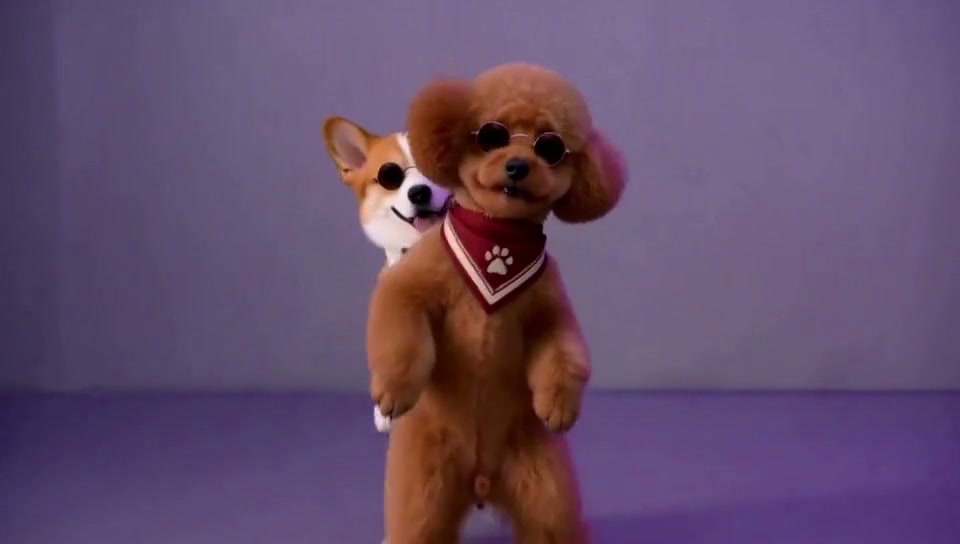
Yes. Use photos you own or have permission to use for each person or pet, and review the safety guidelines before sharing the result.
MORE TEMPLATES
More A2O LITE AI Neon Templates
Every template keeps two identities separate and produces one synchronized duo video.