NEON Dance AI Trend Explained: How to Make the Two-Person Version
See how the two-person NEON Dance AI trend works—from picking two separate portraits to locking in front-and-back dancer order for a clean 15-second duo MP4.
How the Two-Person AI Version Works
Most AI image-to-video tools struggle when you put two people inside a single photo—identities blur or swap mid-move. The two-person NEON Dance AI workflow solves this by keeping Dancer 1 and Dancer 2 in separate upload slots.
Each photo is mapped to its own role in the choreography before rendering, so the front dancer and back dancer stay distinct from frame one to the finale.
4 Steps to Make Your Two-Person Video
Follow this quick workflow for the sharpest duo output:
- 1. Pick a duo template (such as Studio Bros Sync for 16:9 friends or Silver Groove Duo for 9:16 vertical feeds).
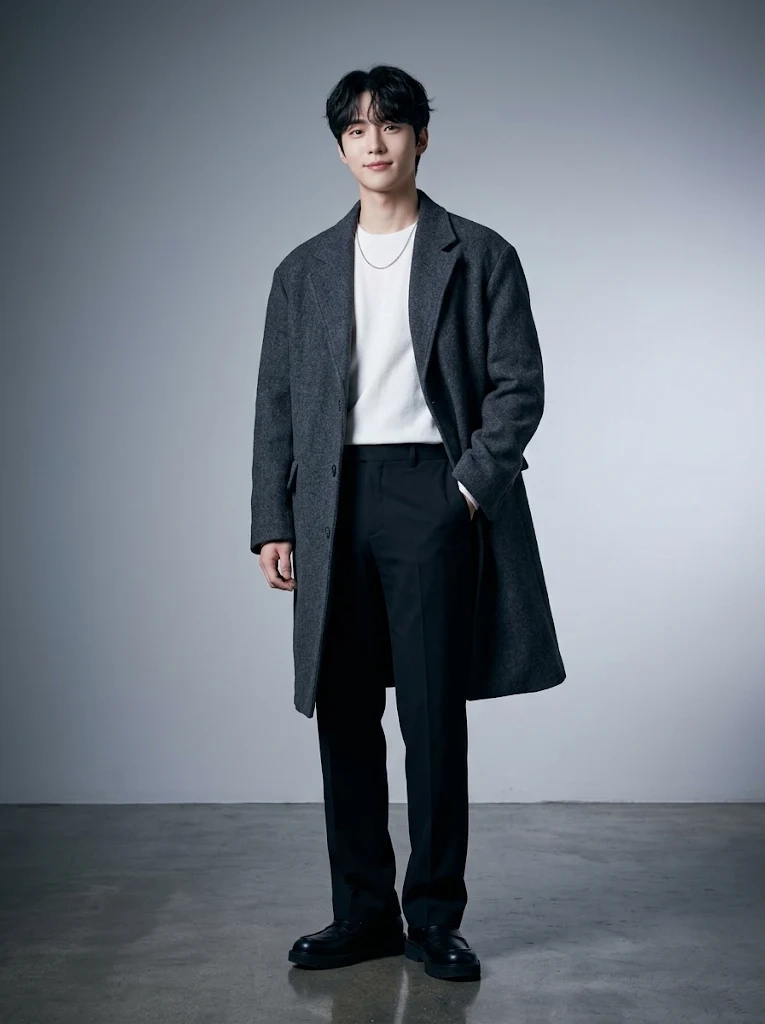
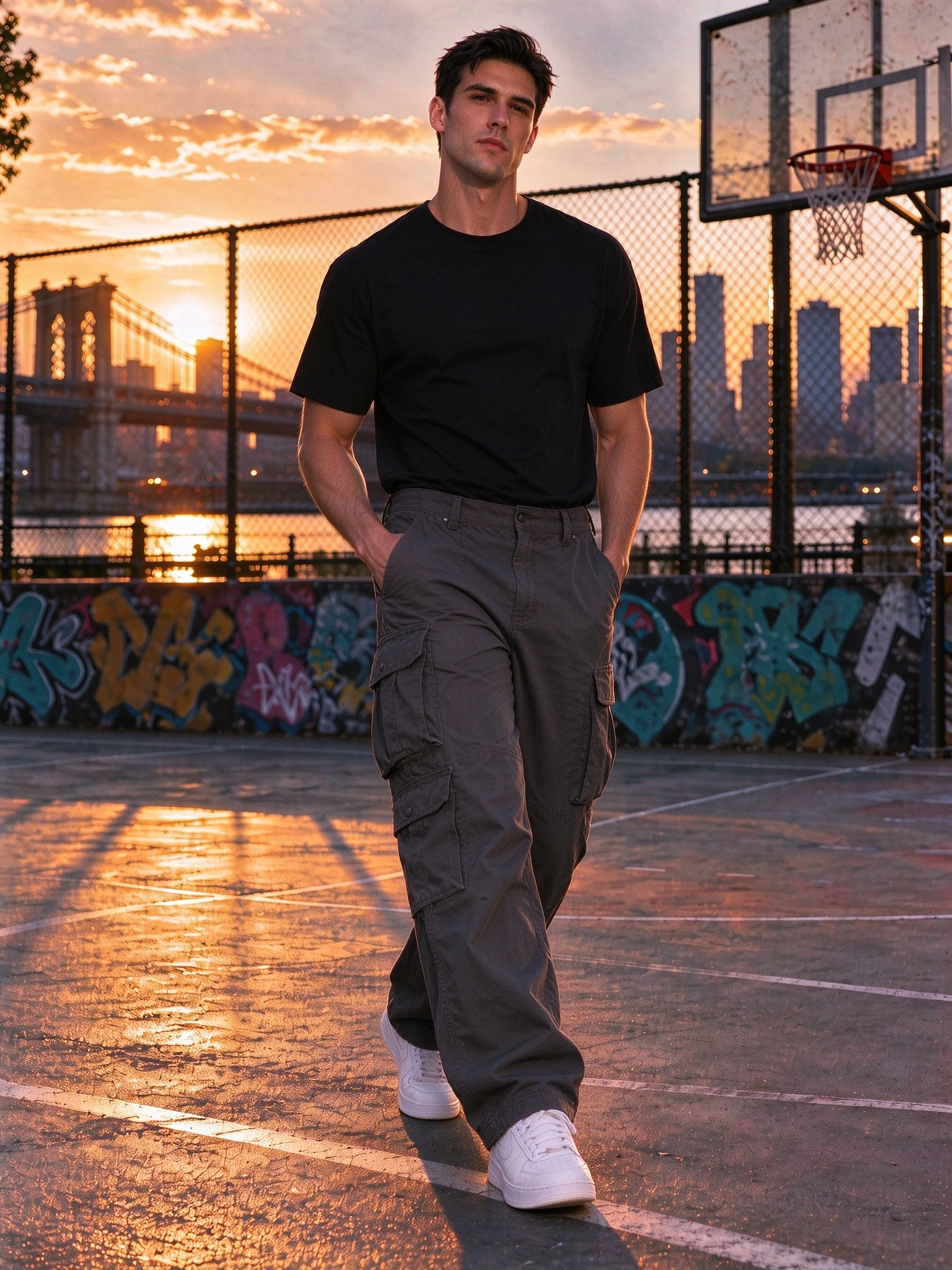
- 2. Upload Photo 1 (Lead / front dancer) and Photo 2 (Partner / back dancer) as two separate portraits.
- 3. Choose 480p or 720p resolution and start generation—no prompt writing or video editing required.
- 4. Download your 15-second MP4 and share it on TikTok, Reels, or Shorts.
Photo Selection Rules That Prevent Glitches
Use single-subject photos with clear faces, uncropped arms, and even lighting. Avoid group shots, heavy sunglasses, or cropped limbs so the AI tracks every turn cleanly.
Create Your Two-Person NEON Video
Open Studio Bros Sync with two friend portraits and generate a synchronized 15-second duo dance.
Two-Person NEON AI FAQ
Can I put two people in one photo instead of uploading two photos?
No. Uploading two separate single-person photos keeps each dancer’s identity and position accurate throughout the routine.
Does the order of Photo 1 and Photo 2 matter?
Yes. Photo 1 takes the front lead position and Photo 2 takes the partner position behind/beside them.