How to Create an A2O LITE NEON AI Dance Video
Two photos, one dance partner, and a shared spotlight. This guide covers choosing your portraits, creating a synchronized duo, and downloading your 15-second video in portrait or landscape format.
1. Choose one photo of each dancer
The A2O LITE NEON AI Dance Generator needs two separate portraits. Use one photo of yourself and one of your friend, with a single adult visible in each. You can be in different locations or wear different outfits; the model brings both people into a shared stage scene.
Choose sharp images in even light, with faces unobstructed. Full-body or knees-up pictures give the AI more information about each person’s proportions and clothing. A tightly cropped headshot may leave more of the outfit for the model to invent. Each image must be a JPG, PNG, or WebP under 10 MB, between 256 and 8192 pixels on each side.
Obtain permission from both adults before uploading. Avoid group photos, sunglasses, heavy filters, and images of minors. Review the safety guidelines for photo permissions.
2. Add both photos to the duo studio
Open the AI Duo Dance Generator. Add your portrait to the first slot and your partner’s portrait to the second. Each slot has its own preview, change action, and remove control. Check the pair and confirm that both people are adults who have given permission.
Both selected photos are saved locally in this browser when browser storage is available, so they can return after sign-in or checkout. To remove that local copy, remove each photo in the studio or clear this site’s browser storage.
3. Review availability and credits
A 480p duo video uses 20 credits; 720p uses 50 credits. Credit packs are one-time purchases with no subscription. During preview, the studio and pricing section explain when generation and checkout are closed; no generation credits or payments are taken while those features are unavailable.
When the studio opens, sign in and review the credit cost before generating. Choose one of six usable dance templates, or choose Background 01, 02, 03, or 04 in the compact generator picker and preview its reference video. The selected clip guides the scene and dance; you do not need to choose a model or write a prompt.
4. Generate your synchronized duo dance
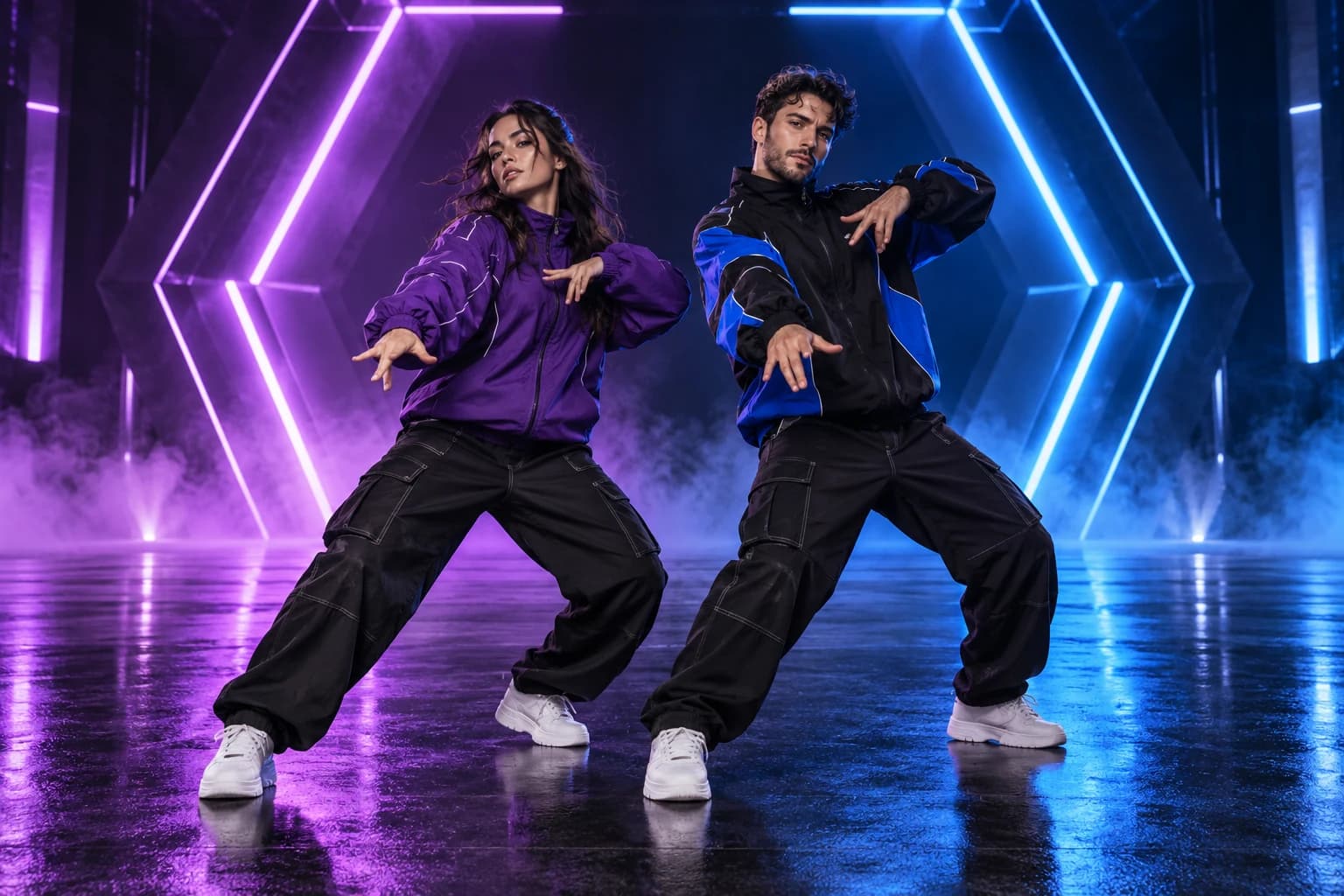
The two photos guide two distinct dancers. Your selected Background supplies the scene, choreography, timing, framing, and camera motion. This K-pop AI Dance Generator requests coordinated movement while retaining each person’s own face, hair, and clothing cues.
Likeness, timing, hands, and clothing can vary; exact replication is not guaranteed.
Follow progress in the studio or My Videos. If the submission is still being checked, keep the existing task and wait for it to be reconciled before attempting another generation.
5. Download, review, and share
A completed NEON Dance AI Video is a 15-second MP4 in portrait (9:16) or landscape (16:9) format, according to your selected dance scene, at your chosen 480p or 720p quality. Once the returned video is stored, preview it and download a copy from My Videos.
Check both faces and full-body movement, and make sure both people agree to sharing. Choose a portrait or landscape scene to suit where you plan to post; follow each platform’s AI disclosure and content rules.
Completed videos are available for 7 days. Both source photos are scheduled for deletion within 24 hours after the task completes or fails. Download a copy before the storage window ends.